Sketch Map
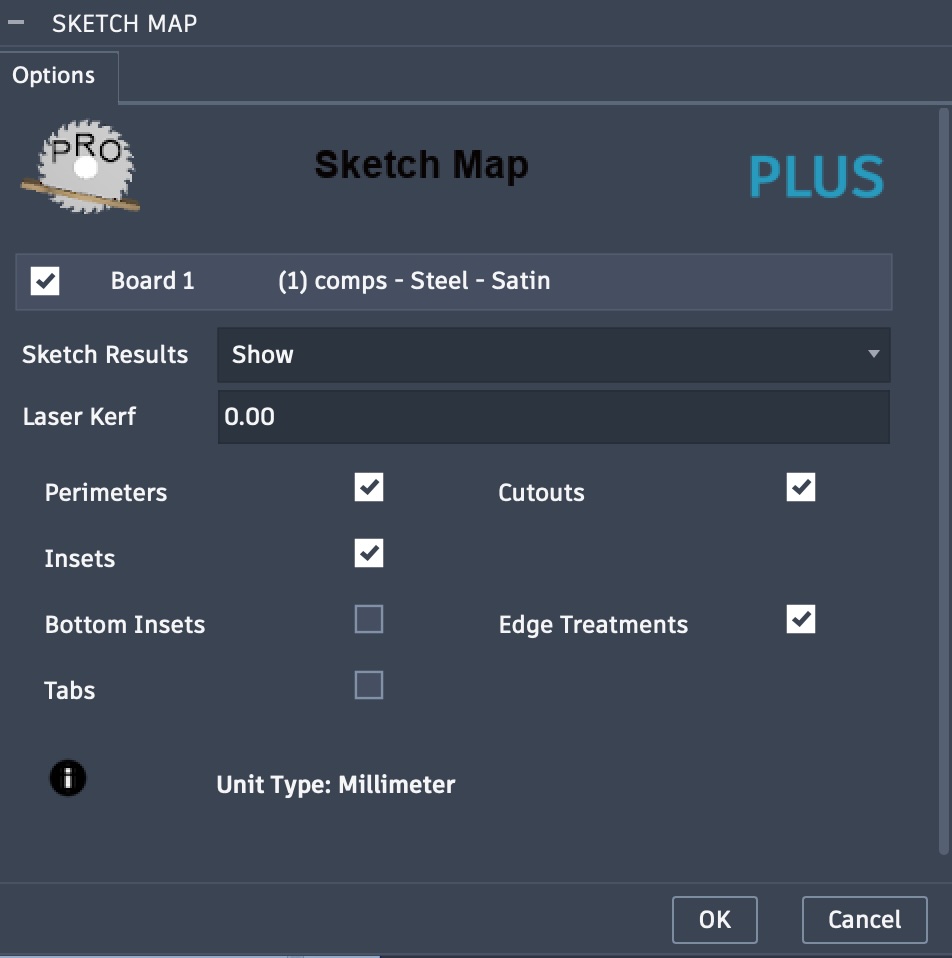
The Sketch Map task will create Perimeter, Insets, and Cutouts sketches of the components as they are placed in the map. The Insets layer includes features such as pockets, rebates, dados, and holes. The sketches created will be named with a depth in default units.
A separate profile selection Edge Treatments, when selected, will create sketches that include features such as edge chambers and round overs. One or more sketches will be created, depending on the number of unique edge treatments found in the map. The sketches created will be named with a depth range in default units.
The Bottom Insets option, when selected, will include the bottom insets with features such as pockets, rebates, dados, and holes. The sketches created will be named with a depth from the bottom in default units.
The Tabs option, when selected, will modify the perimeter sketch to include tabs, which are represented as breaks in perimeter loops. The size of the breaks and their distance apart are based on the provided options Width and Distance respectively. The Height option, when not set to zero, will result in an additional tabs sketch being created. This could be useful for CNC users wanting to include tabs of a certain height.